Two flat colors make a portrait
A grayscale photo plus two flat colors, blended in CSS, make a two-ink duotone. multiply takes the highlights, screen takes the shadows, and the pickers let you re-ink it live.
The portrait below has no color in it. The photo is grayscale, and the only color on the page is two flat rectangles, one pink, one deep indigo. Blend the three together and you get a two-color portrait. You’d expect that to come out as mud. It doesn’t.
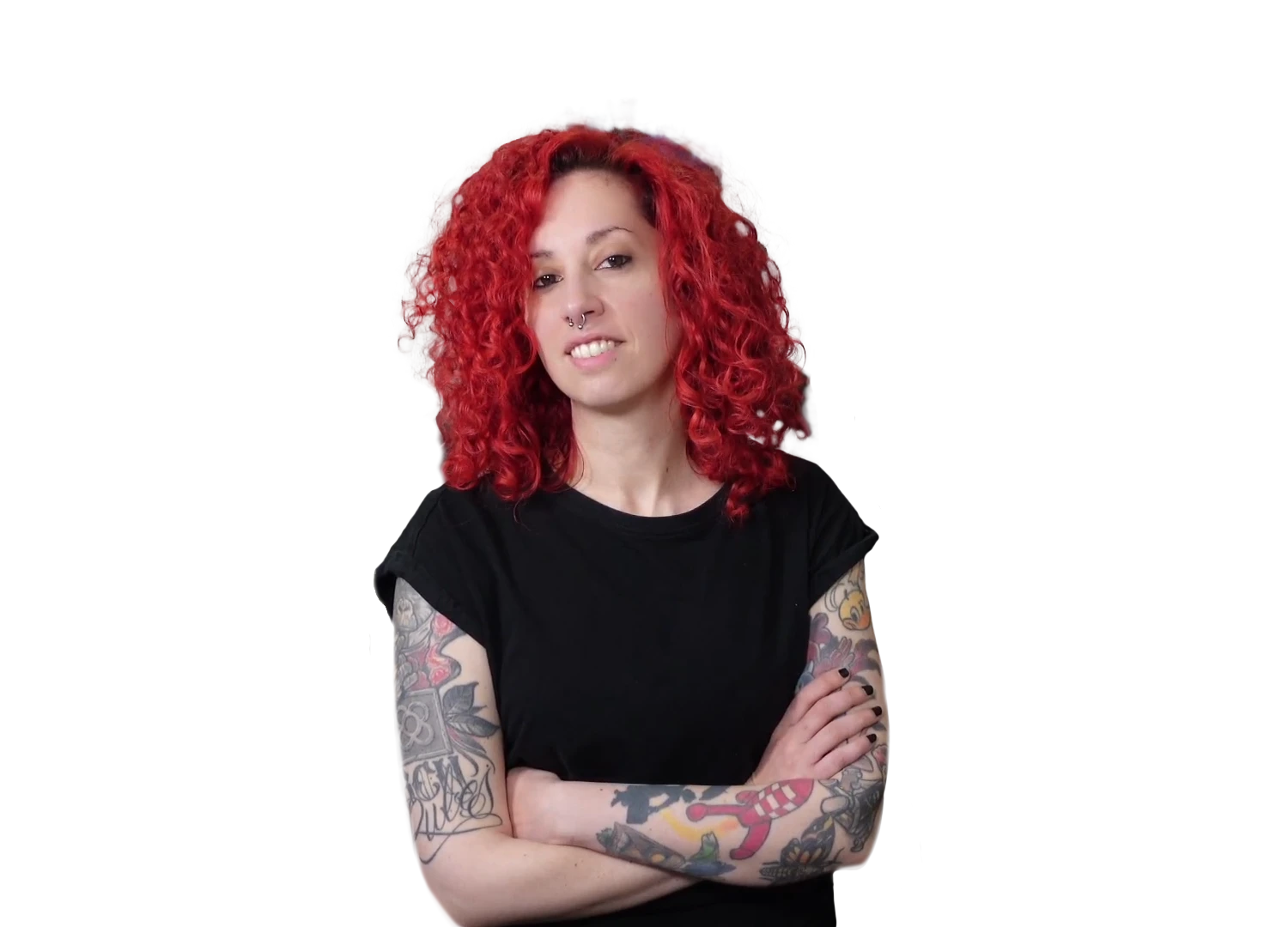
<figure class="duotone">
  <img src="portrait.jpg" alt="portrait">
</figure>
.duotone {
  position: relative;
  isolation: isolate;           /* keep the blend off the page behind */
  background: var(--highlight);  /* the light ink fills the frame */
  margin: 0;
}
.duotone img {
  filter: grayscale(1) contrast(1.15);
  mix-blend-mode: multiply;      /* highlights take the light ink */
}
.duotone::after {                /* a flat rectangle of the dark ink */
  content: "";
  position: absolute;
  inset: 0;
  background: var(--shadow);
  mix-blend-mode: screen;        /* shadows take the dark ink */
}
It’s a grayscale photo and two solid colors, composited with mix-blend-mode. No image editor, no duotone plugin, no canvas. Two blend modes split the gray into shadows and highlights and drop a different ink into each.
multiply only ever darkens: multiply by white and nothing happens, multiply by black and you get black. So the photo’s highlights let the light ink through while its shadows stay dark. screen is the opposite, it only lightens, so the dark ink lifts the shadows to a second color without touching the highlights. One mode owns the light end, the other owns the dark end. Pick the two inks and the image re-prints:
.duotone           { background: var(--highlight); }
.duotone img       { mix-blend-mode: multiply; }   /* light ink into highlights */
.duotone::after    { background: var(--shadow);
                     mix-blend-mode: screen; }      /* dark ink into shadows */
Two colors, and the same gray becomes a warm poster or a cold newspaper print. That’s the whole duotone: one grayscale image, multiply on the highlights, screen on the shadows.